Actionbook Agent Skill
 by actionbook
Let your AI agent get the sources behind logins and paywalls.
Actionbook is an open-source agent skill by actionbook, written mainly in Rust, with 1,623 GitHub stars and the Apache-2.0 license. Its code was last updated Oct 19, 2026.
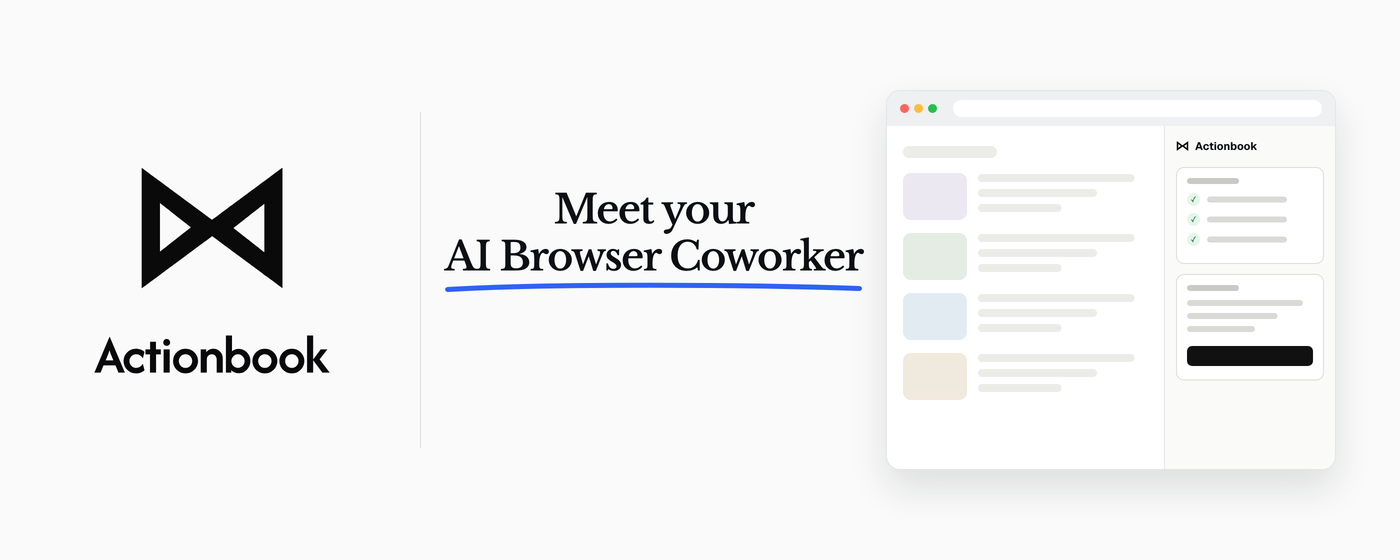
Actionbook is an AI agent in your browser. It reads data behind your logins,<br>operates websites you already use, and delivers finished work, not answers.
<a href="https://chromewebstore.google.com/detail/actionbook/bebchpafpemheedhcdabookaifcijmfo?utm_source=github&utm_medium=referral&utm_campaign=v1_2_release&utm_content=readme_hero"><img src="https://img.shields.io/chrome-web-store/v/bebchpafpemheedhcdabookaifcijmfo?color=4285F4" alt="Chrome Web Store version"></a>
</div>Meet the New Actionbook
Actionbook now ships as an AI agent in your Chrome side panel. It works beside you on the page you are on, reads data behind your logins, and delivers finished work, not answers: a sourced report, a clean CSV, or ready-to-send drafts. When a task works the way you want, save it as a Recipe and run it again with new inputs.
<p align="center"> <a href="https://chromewebstore.google.com/detail/actionbook/bebchpafpemheedhcdabookaifcijmfo?utm_source=github&utm_medium=referral&utm_campaign=v1_2_release&utm_content=readme_cta"><img src="https://img.shields.io/badge/Add%20to%20Chrome%20--%20It%27s%20Free-4285F4?style=for-the-badge&logo=googlechrome&logoColor=white" alt="Add to Chrome - It's Free" height="40"></a> <a href="https://actionbook.app"><img src="https://img.shields.io/badge/Visit%20actionbook.app-141e24?style=for-the-badge" alt="Visit actionbook.app" height="40"></a> </p>Actionbook (Legacy)
Actionbook turns the websites you work in every day into something your AI agent can actually operate. Direct API requests when possible, UI automation when not, with login handled. Fast and resilient.
Why Actionbook?
❌ Without Actionbook
- Slow. Agents take a snapshot after every single step, parse the page, then decide what to do next. Searching one room on Airbnb takes 5 minutes.
- Brittle. Modern websites use virtual DOMs, streaming components, and SPAs. Agents don't understand these rendering mechanisms, so they fail on dropdowns, date pickers, and login walls.
- One at a time. Your agent finishes one page before it can start the next. Need to check 30 company websites? That's 30 rounds, one after another.
✅ With Actionbook
- 10x faster. Action manuals tell agents exactly what to do. No parsing, no guessing.
- Accurate. Direct API calls when possible, UI fallback when not. Login handled either way.
- Concurrent. Stateless architecture. Operate dozens of tabs in parallel.
See an agent visits 192 First Round portfolio company websites and collects their taglines in 2 minutes. (Video is not sped up)
https://github.com/user-attachments/assets/35079a19-7236-47a8-87ed-3edf6436c2bf
Installation
Actionbook runs as a remote MCP connector paired with the Actionbook Chrome extension — no CLI install required. Your AI agent connects to the hosted MCP endpoint, and the extension drives your real Chrome so agents reuse your logged-in sessions.
👉 For the full step-by-step setup — with per-client instructions and screenshots — visit the dashboard. The three steps below are the quick overview.
1. Install the Chrome extension from the Chrome Web Store.
2. Add Actionbook as a connector in your AI app. Open your app's connector settings — Claude (Settings → Connectors → Add custom connector), ChatGPT (Settings → Connectors), Perplexity, Hermes, OpenClaw, or any other MCP-compatible app — and paste the Actionbook endpoint:
https://edge.actionbook.app/mcp
3. Finish setup from the dashboard — it walks you through connecting your client and confirms the extension is linked.
Note: The standalone
@actionbookdev/clipackage is deprecated. Use the remote connector + Chrome extension above.
Quick Start
Once the extension is installed and your client is connected (see Installation), just talk to your agent — Actionbook handles the rest:
Open stripe.com, linear.app, and vercel.com, then grab the pricing from each.
Behind the scenes the agent uses Actionbook to fetch action manuals and operate your real Chrome — opening tabs, reading snapshots, clicking, and filling forms across pages concurrently. To nudge it explicitly, add this to your prompt:
Use Actionbook to understand and operate the web page.
Examples
Explore real-world examples in the Examples Documentation.
Available Tools
Actionbook exposes a single actionbook MCP tool whose subcommands cover action lookup (search, manual) and browser control (goto, snapshot, click, type, …). Your agent discovers the full command set from the tool description once connected.
Chrome Extension
Install the extension from the Chrome Web Store. Once you sign in from the dashboard, it connects to the hosted MCP endpoint automatically.
Documentation
For comprehensive guides, API references, and tutorials, visit our documentation site:
Stay tuned
We move fast. Star Actionbook on Github to support and get latest information.
Join the community:
- Chat with us on Discord - Get help, share your agents, and discuss ideas
- Follow @ActionbookHQ on X - Product updates and announcements
Contributing
- Read the Contributing Guide - See repository setup, package layout, and validation workflows for the public repo.
- Request a Website - Suggest websites you want Actionbook to index.
License
See LICENSE for the license details.
Actionbook alternatives
View more →Similar agent skills in Coding Agents, ranked by GitHub stars. Compare licence, recent activity and scan status before you choose.
| Name | Stars | Licence | Last updated | Scan |
|---|---|---|---|---|
| Actionbook (this page) actionbook | 1.6k | Apache-2.0 | Oct 19, 2026 | Scanned, no flagged issues |
| Rea morluto | 417k | MIT | Nov 1, 2026 | Scanned, no flagged issues |
| Agent Skills addyosmani | 112k | MIT | Oct 31, 2026 | Scanned, no flagged issues |
| I Have Adhd ayghri | 60k | MIT | Oct 19, 2026 | Scanned, no flagged issues |
| Open Code Review alibaba | 49k | Apache-2.0 | Oct 30, 2026 | Scanned, no flagged issues |
| Agent Skills For Context Engineering muratcankoylan | 18k | MIT | Oct 12, 2026 | Scanned, no flagged issues |