Percho AI Agent
 by Jaxton07
Percho: Minimalist desktop GUI for the Pi coding agent — the same engine as the Pi CLI, in a clean visual interface. Multi-session chat, visual tool approvals, and custom themes.
Percho is an open-source ai agent by Jaxton07, written mainly in TypeScript, with 503 GitHub stars and the MIT license. Its code was last updated Nov 1, 2026.
Demo
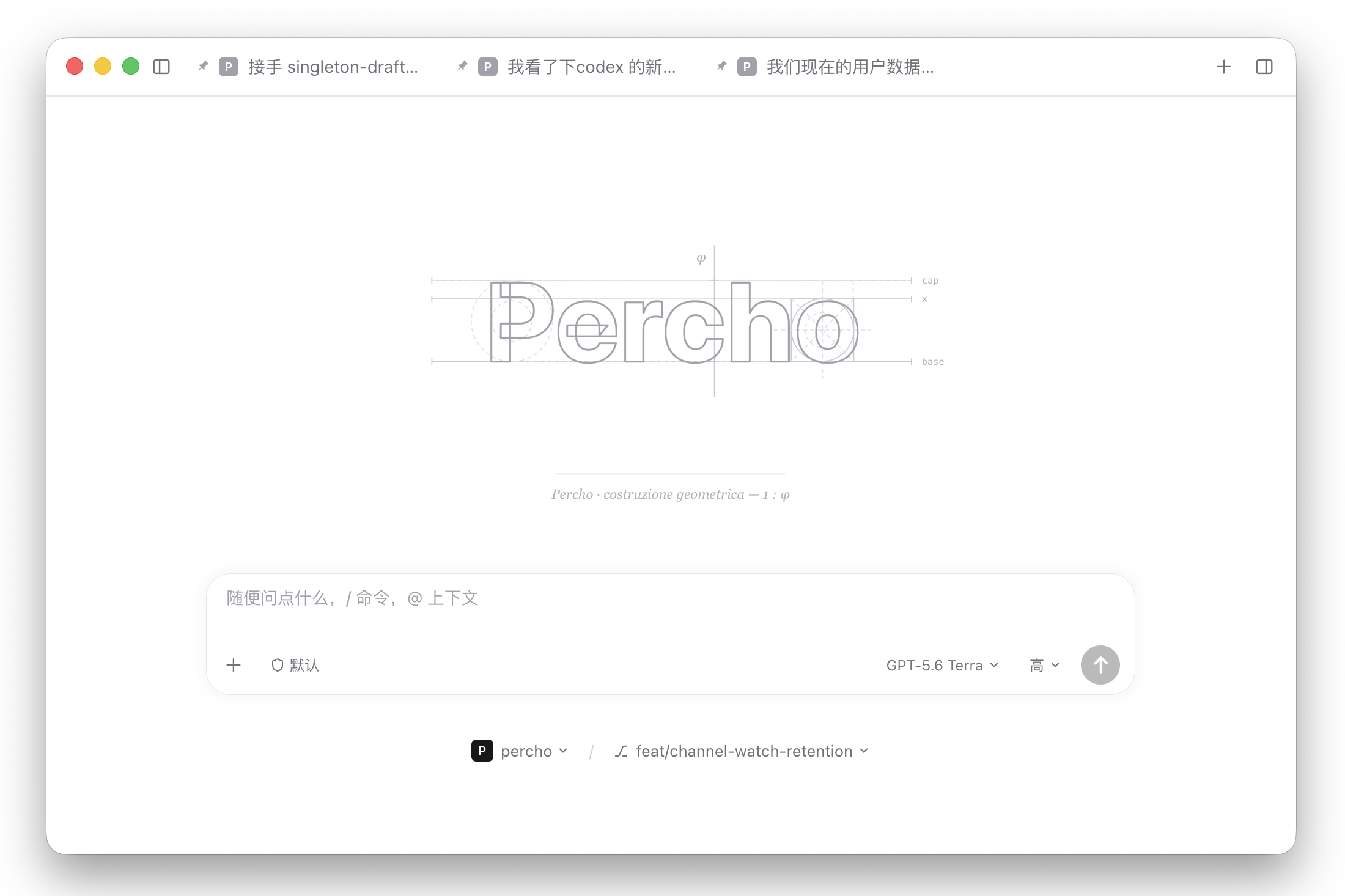
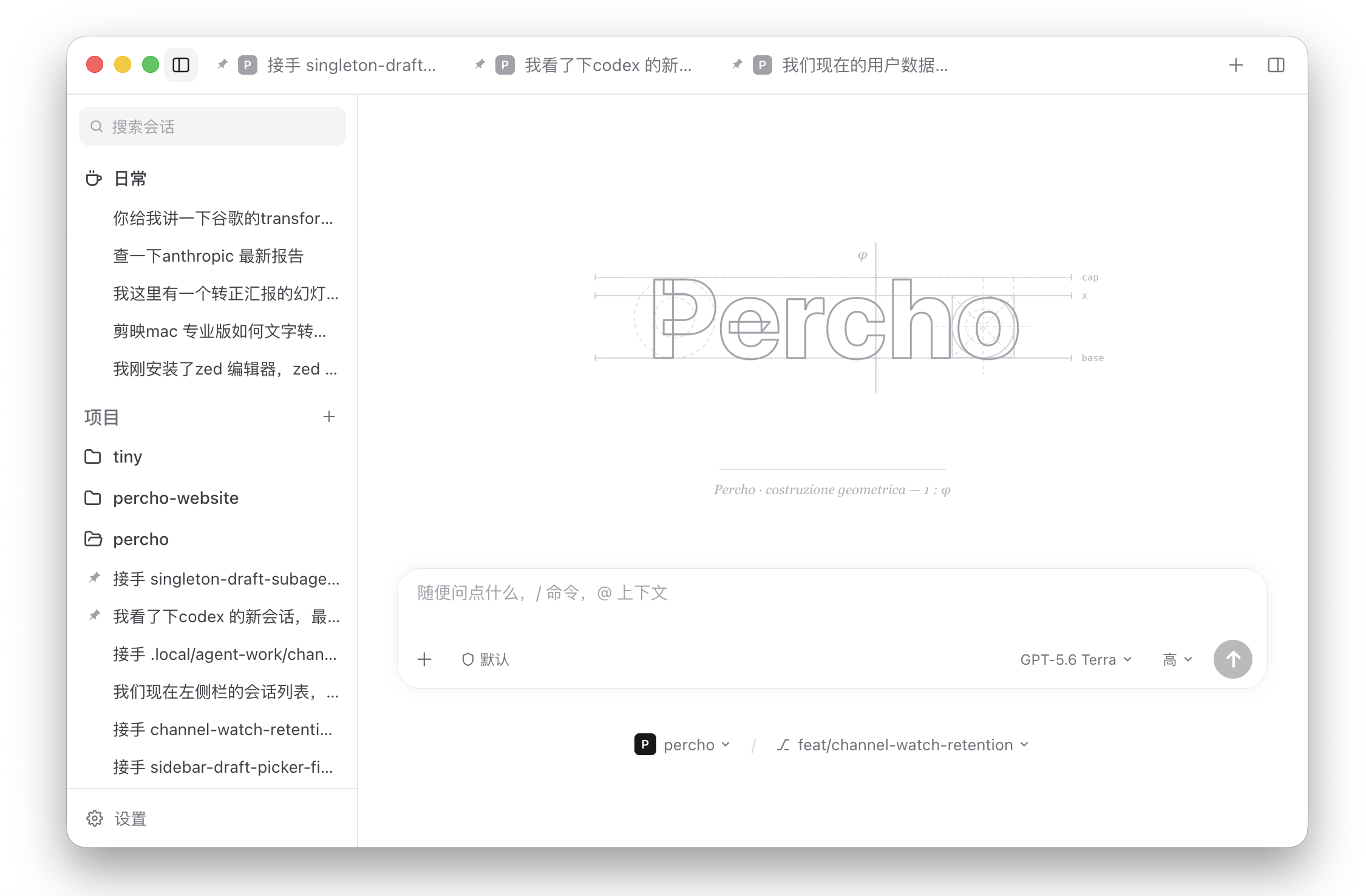
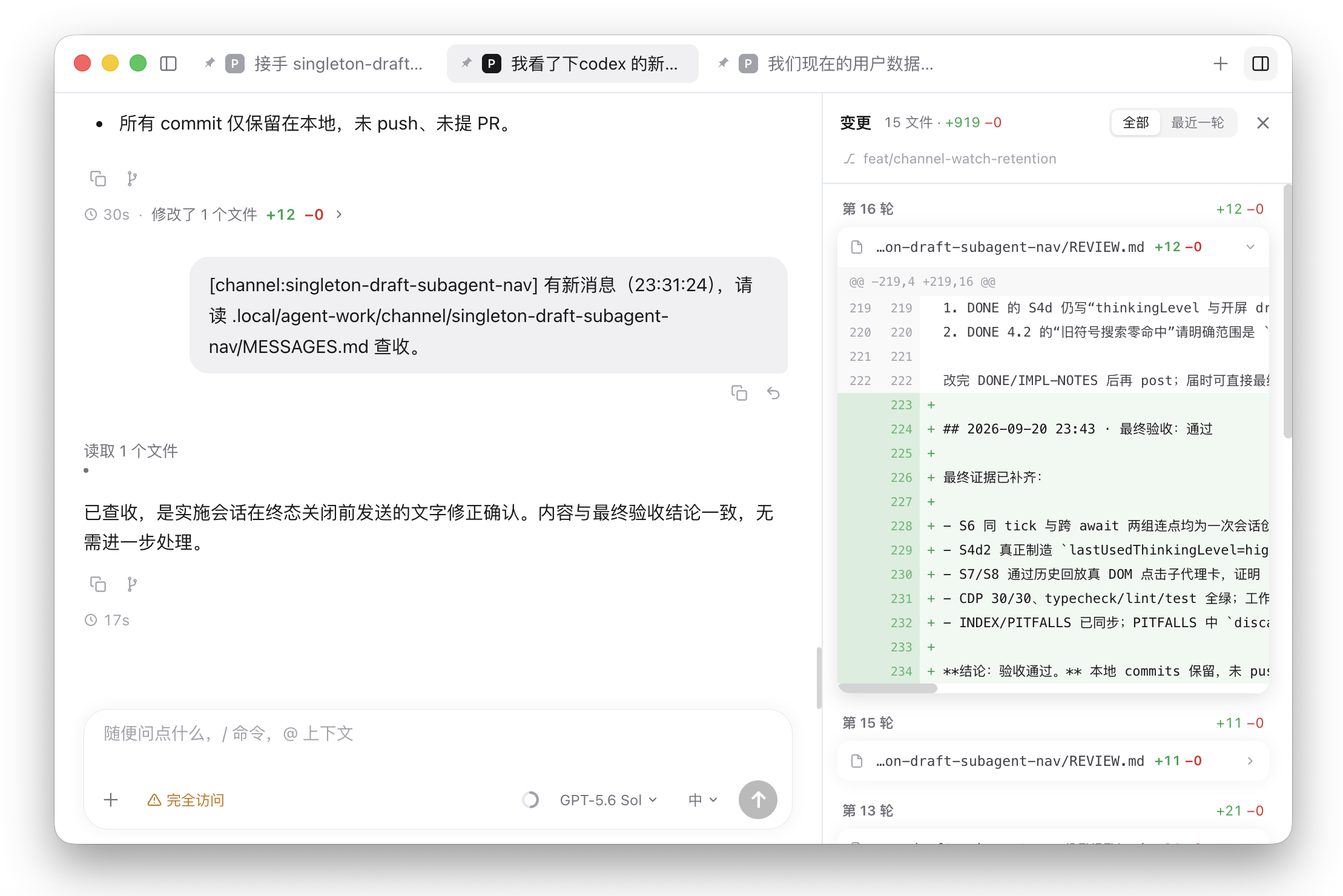
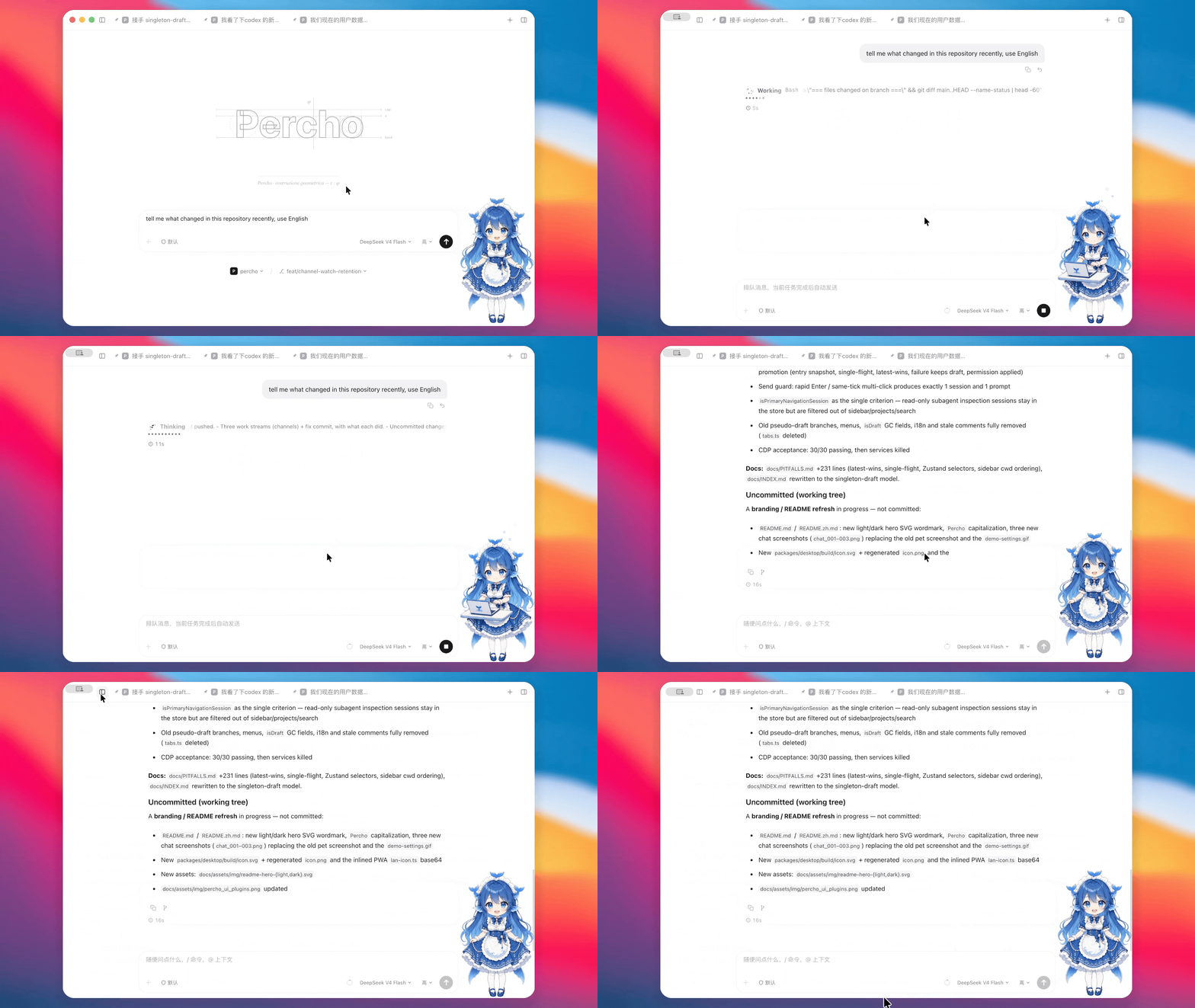
Chat
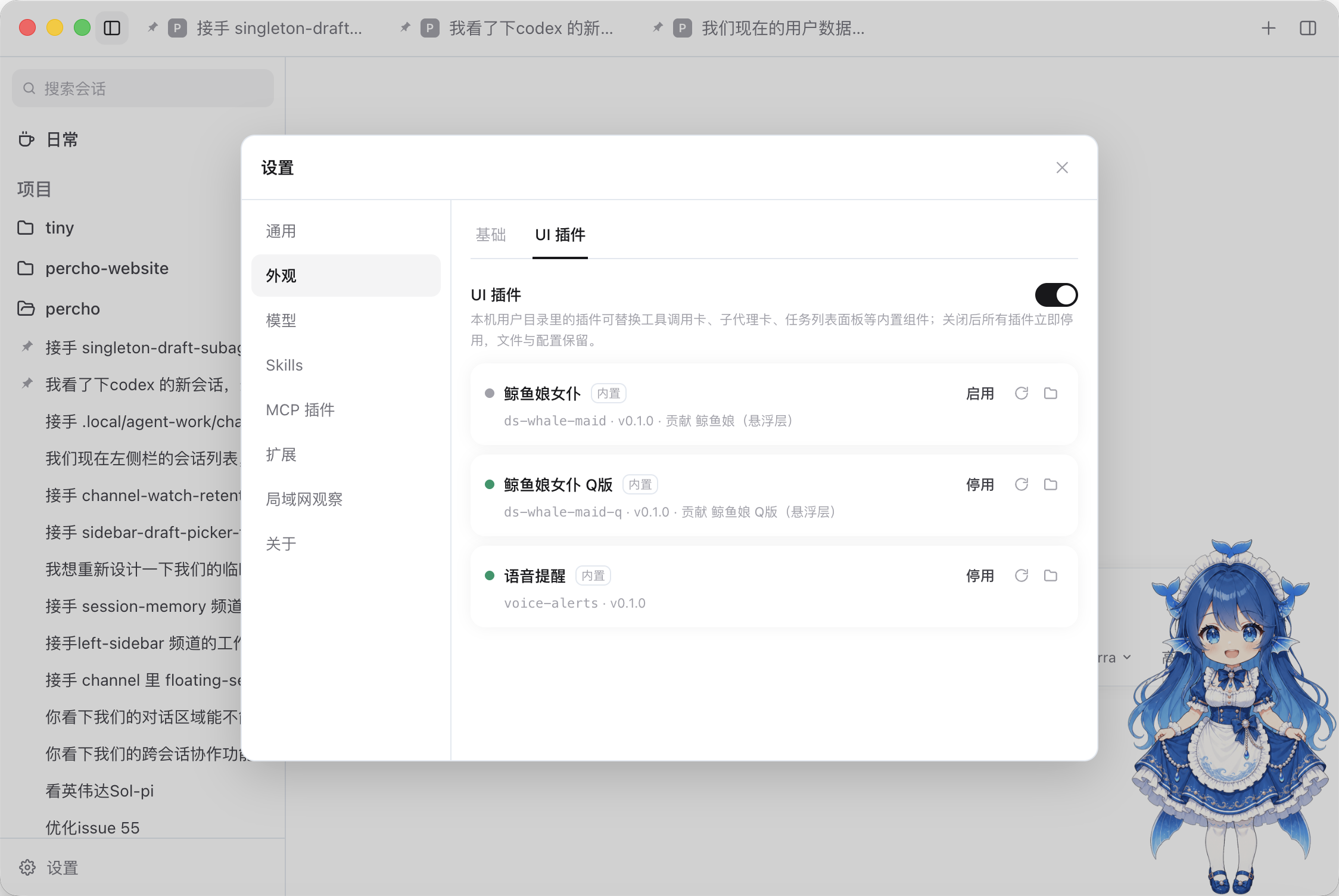
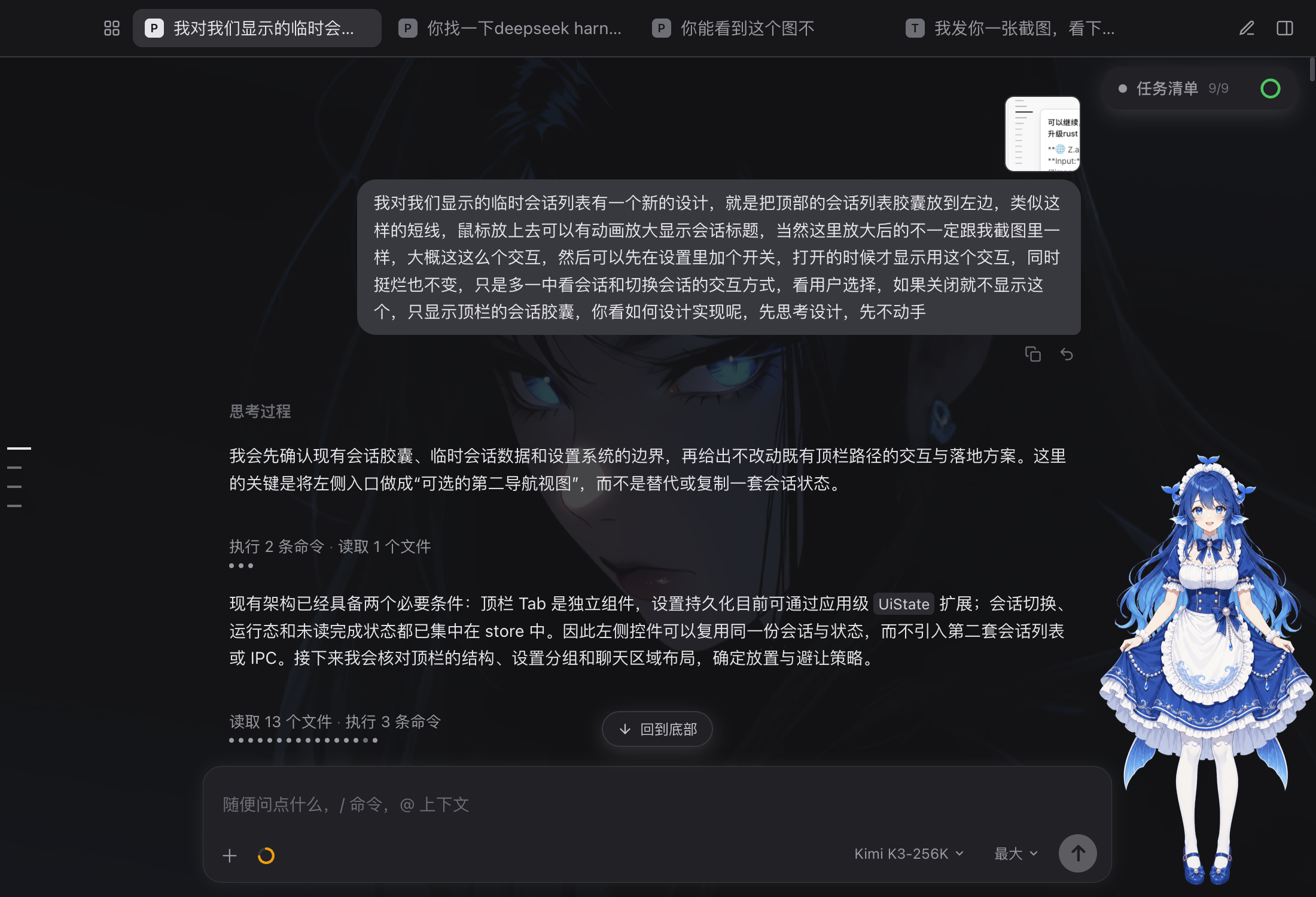
Custom background & dark theme
Why Percho?
Percho embeds the official Pi SDK (@earendil-works/pi-coding-agent) in the Electron main process. It is not a fork and not a reimplementation — it runs the same engine as the Pi CLI and inherits Pi's native strengths:
- Extensibility — supports Pi's TypeScript extensions, skills, and prompt templates. Percho manages user-level resources independently; project-local resources remain compatible, with a trust prompt before loading. Adapt Pi to your workflows, no forking required.
- Private user data — sessions, accounts, and model settings live in
~/.percho/agent/, separate from Pi CLI. On first launch, you can copy data from the old directory while keeping the original, or start fresh. Project-level.pi/stays compatible. See migration and recovery. - Providers — subscriptions (Claude Pro/Max, ChatGPT Plus/Pro Codex, GitHub Copilot, logged in via an in-app OAuth flow) and API keys for Anthropic, OpenAI, Gemini, DeepSeek, Bedrock, and more; custom providers and base-URL overrides for relay gateways.
And for those who prefer a GUI over a TUI:
- Highly customizable UI — swap tool-call cards, drop in desk-pet overlays (two whale-maid pets ship built in), or extend the settings panel via UI plugins
- Visual permission gates — approve or deny each tool call from a dock, backed by a per-tool rule engine
- A collapsible project/session sidebar, draggable pinned-session pills, per-session composer drafts, and a follow-up queue with undo
- Built-in subagents — a scout plus your own agent definitions, parallel task fan-outs, and run cards you can click to inspect the sub-session read-only
- Context evaporation (on by default) — stale tool outputs age into compact stubs, keeping long sessions within budget
- Unified error system — in-chat error cards with one-click retry, an auto-retry status line, and full-page renderer crash recovery
- Solid session workspace — fork from assistant turns or selected context, recall your own message back into the composer, todo panel, per-turn diff sidebar, slash-command menu and @-file completion
- Streaming markdown rendering, image previews, message copy
- Agent-initiated image display — a built-in
show_imagetool lets the agent deliberately show you images inline (single or grouped), without turning every tool result into noise - Custom background image with adjustable overlay dimming, light/dark/system themes
- Cross-device — monitor sessions from a phone or tablet browser via QR code; optionally enable remote prompts, stop generation, and allow-once/deny approval decisions
Download
Prebuilt installers are published on the Releases page.
| Platform | Download |
|---|---|
| macOS (Apple Silicon) | percho-mac-arm64.dmg |
| macOS (Intel) | percho-mac-x64.dmg |
| Windows | percho-windows-x64.exe (installer) or percho-windows-x64.zip |
| Linux (x64) | percho-linux-x86_64.AppImage |
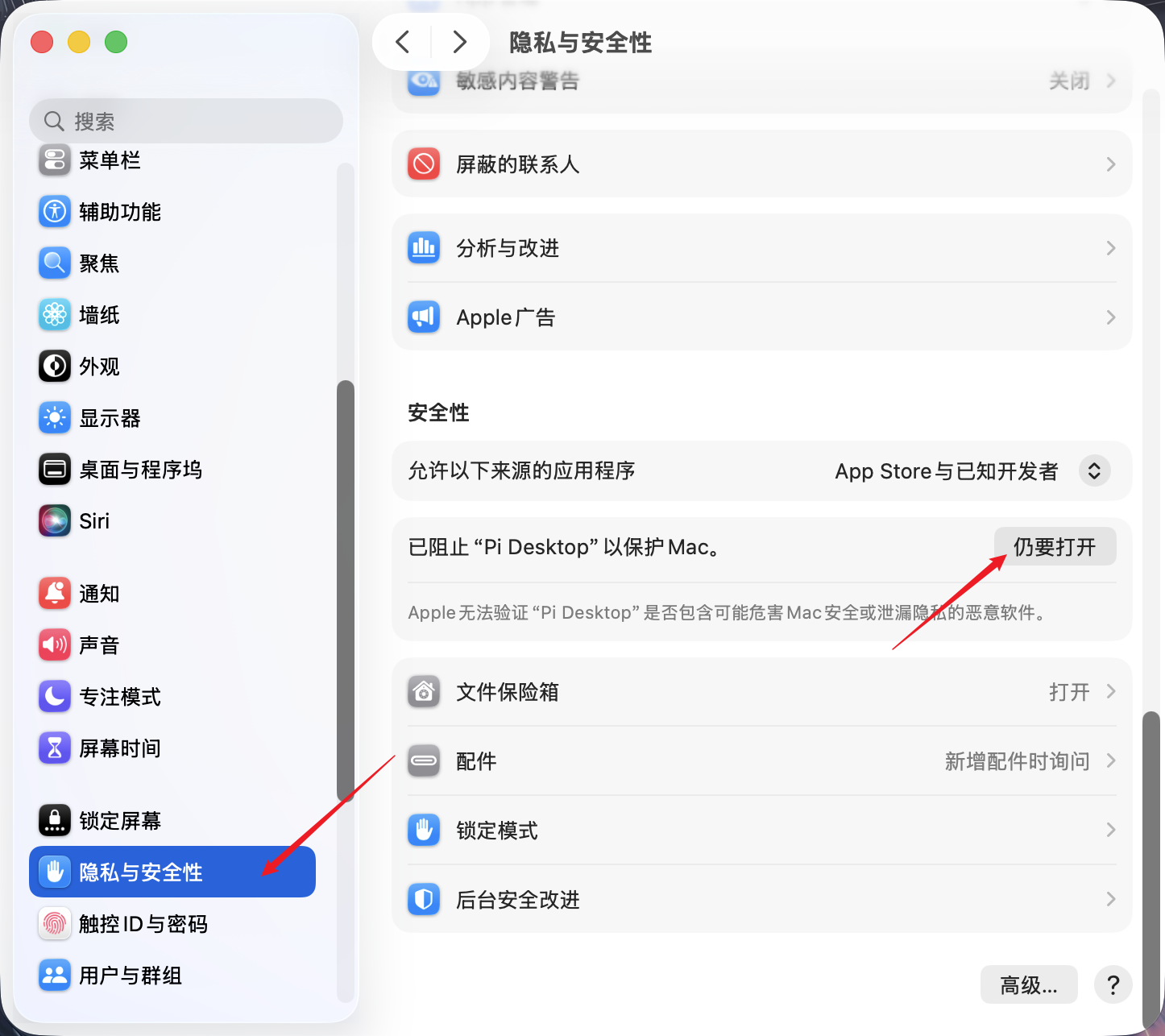
Builds are ad-hoc signed (no Developer ID certificate). On macOS, the first launch after a download may show "Apple cannot verify Percho is free from malware" — that's Gatekeeper blocking an un-notarized app. To open it:
System Settings → Privacy & Security → scroll to the bottom → click Open Anyway next to the Percho entry, then confirm with your password or Touch ID (recommended).
Or in Terminal:
xattr -cr "/Applications/Percho.app".Updates are checked in-app. On Windows they download and install there too (click download, then restart). On macOS the ad-hoc signed build cannot self-install, so the app jumps to the Releases page — and a freshly downloaded version will hit Gatekeeper once again. On Windows, click "More info" → "Run anyway" when SmartScreen appears.
On Linux: make the AppImage executable before first launch (
chmod +x percho-linux-x86_64.AppImage). On Ubuntu 22.04+/24.04+ and derivatives, installlibfuse2first — AppImages mount via FUSE 2, which is no longer preinstalled. Linux builds download and install updates in-app.
Development
Prerequisites: Node.js >= 22.19.
npm install
npm run dev
npm workspaces monorepo, three packages: packages/shared (IPC contracts), packages/backend (the only place that imports the Pi SDK), packages/desktop (Electron + React 19 + Tailwind 4 + Zustand). Common commands: npm run typecheck / test / lint / build / dist.
See CONTRIBUTING.md for the full guide. If you are in China and the Electron binary download stalls, set ELECTRON_MIRROR=https://npmmirror.com/mirrors/electron/ first.
Disclaimer
Percho is a community project. It is not built by or affiliated with the Pi team (earendil-works).
License
Percho alternatives
View more →Similar ai agents in Coding Agents, ranked by GitHub stars. Compare licence, recent activity and scan status before you choose.
| Name | Stars | Licence | Last updated | Scan |
|---|---|---|---|---|
| Percho (this page) Jaxton07 | 503 | MIT | Nov 1, 2026 | Scanned, no flagged issues |
| AutoGPT Significant-Gravitas | 188k | None found | Nov 1, 2026 | Not scanned yet |
| Langchain langchain-ai | 149k | MIT | Nov 1, 2026 | Scanned, no flagged issues |
| Gemini CLI google-gemini | 109k | Apache-2.0 | Nov 1, 2026 | Scanned, no flagged issues |
| MetaGPT FoundationAgents | 71k | MIT | Jan 21, 2026 | Scanned, no flagged issues |
| Oh My Openagent code-yeongyu | 71k | None found | Nov 1, 2026 | Not scanned yet |